
A Display Spot manages fixed displays, often connected using wired Ethernet. To access the properties of a Display Spot, chose
“Spot” at the top level, then the name of the Spot, or an enclosing Spot Group, finally the name of the Spot itself. Spots may be
nested inside Spot Groups to any depth, so you will need to navigate accordingly when specifying the property.
Represents a single display, typically in a fixed location. As Display Spot, you can use;
• A regular web browser running on a laptop.
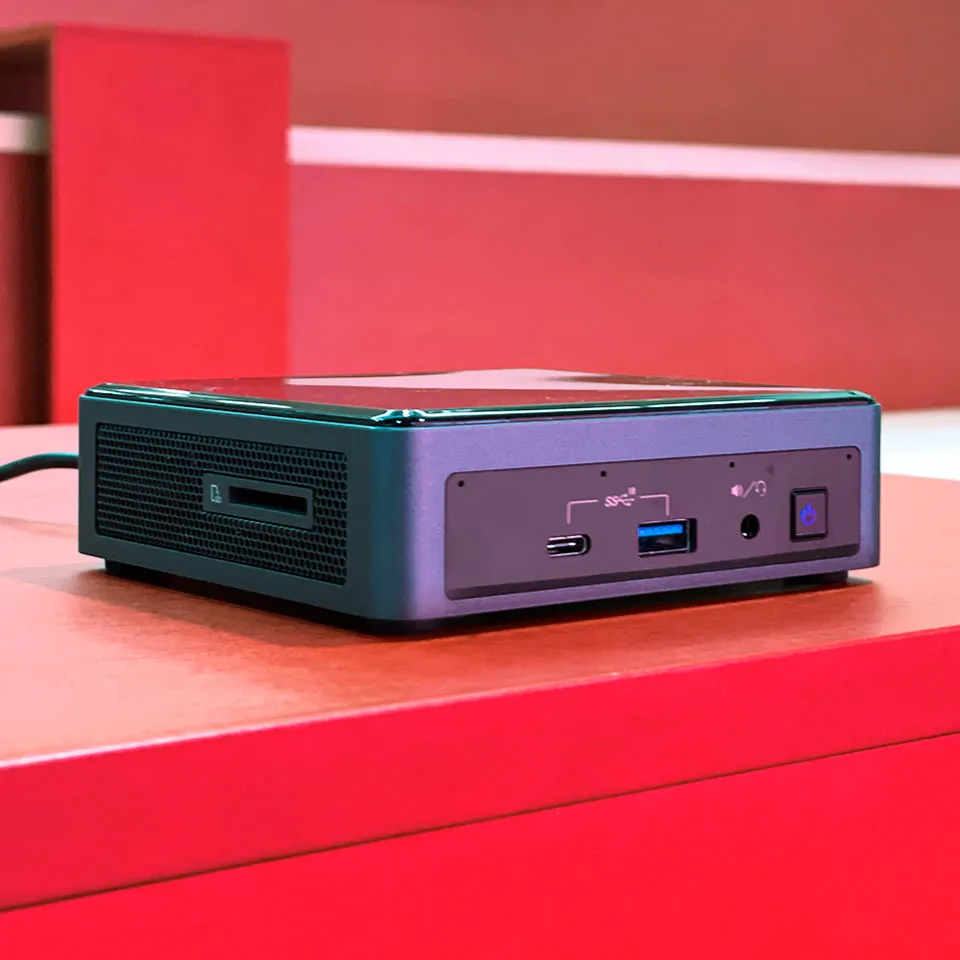
• A small PC, such a NUC, running our free PIXILAB Player software.
• A “smart display,” with built-in player available from vendors such as Samsung, LG, Philips, Panasonic or EIZO.
• Other signage players with full support for HTML5 content, such as some Brightsign player models.
Such displays/players typically connect to the Blocks server using a wired network. In addition to Name, Tags and Location ID
(see above), it includes the following settings. A Blocks server is licensed for a maximum number of Display and Visitor spots. A
message will be displayed to this effect if you try to add more display spots, in which case you’ll need to contact PIXILAB to expand your license.
IMPORTANT: Performance and capabilities vary widely across players. For best performance and functionality, use our
PIXILAB Player software running on an adequately powerful NUC, or equivalent. When using smart displays or signage
players, make sure to test all functionality using representative content before choosing such devices for use with Blocks.
Some Blocks features, requiring modern browser capabilities, may not work on some smart displays.
لا توجد تقييمات بعد.